Expense Tracker — 30-Day Spending Log
Free downloadThirty days of writing down every spend — the fastest honest picture of your money you will ever get.
Features
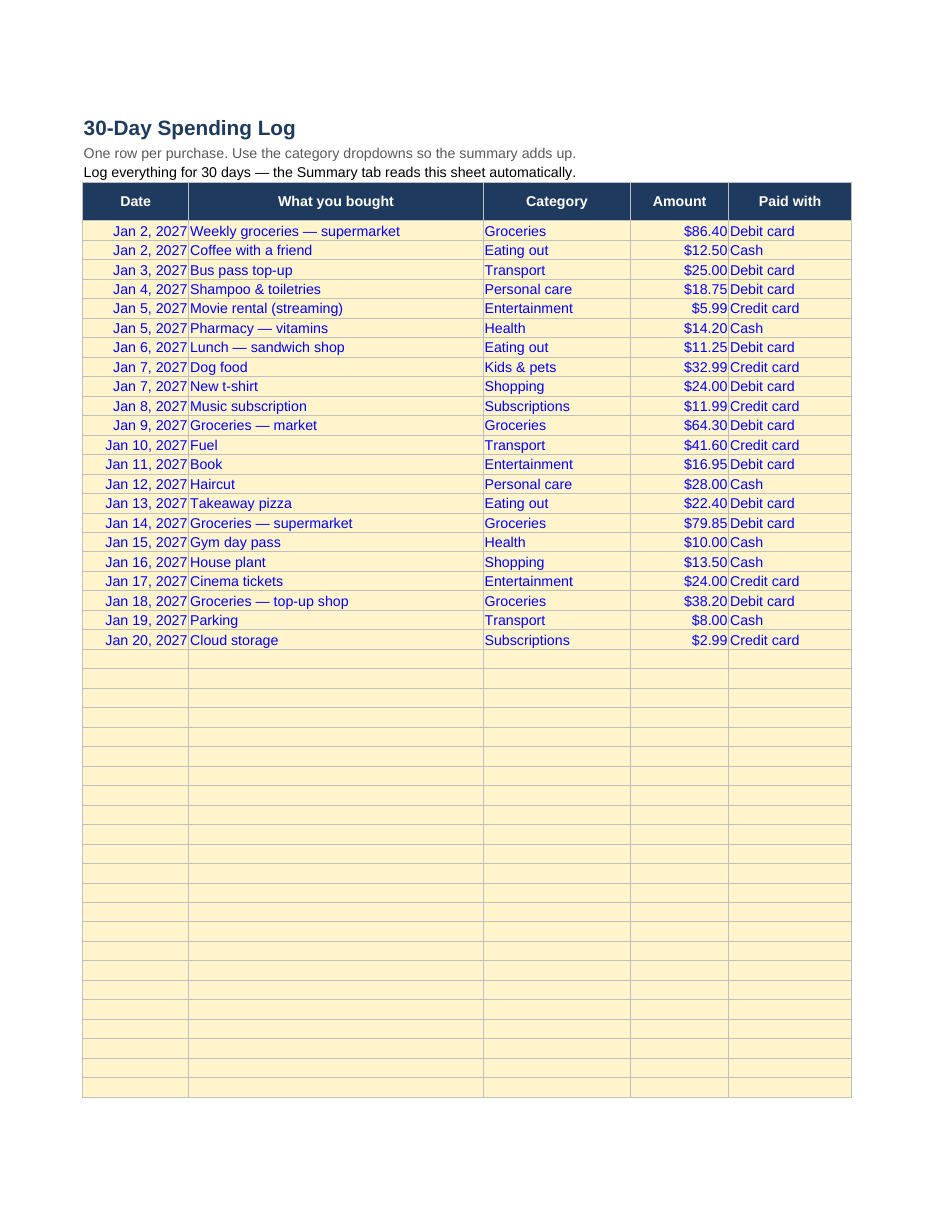
- A 90-row spending log — typically three purchases a day for 30 days
- Category dropdowns, so a month of entries adds up cleanly instead of becoming a pile of notes
- Automatic summary by category, with each category's share of the month
- Automatic day-by-day and week-by-week totals from your start date
How to use it
- Set your start date at the top of the Summary tab
- Log every spend the day it happens: date, what it was, category, amount, how you paid
- Glance at the week tables once a week — they are your early warning
- On day 30, pick your three biggest fixable leaks from the category totals
Format: Excel (.xlsx — also opens in Google Sheets) + printable PDF
Turn the finished log into a monthly routine with the monthly money reset checklist, then build the budget itself with the Monthly Budget Starter in this library.