Biweekly Paycheck Budget Planner
Free downloadEvery paycheck gets a plan — bills, savings and spending money — and the two extra checks get a job.
Features
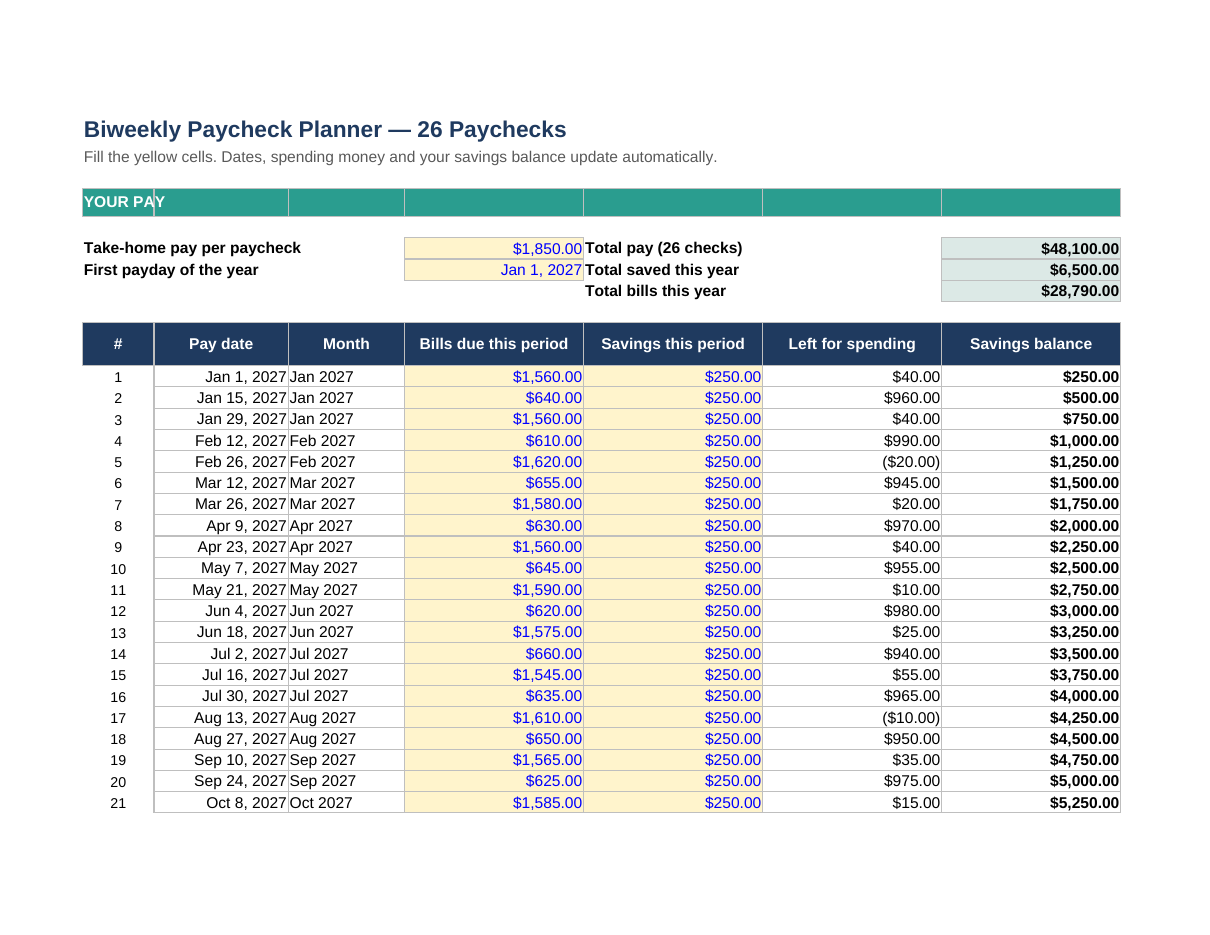
- All 26 biweekly paychecks generated from your first payday — change one date and the whole year re-dates
- A bills / savings / left-to-spend split for every paycheck, with a running savings balance
- An annual calendar by month: paychecks, take-home pay, bills and savings, with 3-paycheck months flagged
- A plan-it-first worksheet for the two 'extra' paychecks most biweekly workers get each year
- Year totals for pay, bills and savings, updated as you type
How to use it
- Enter your take-home pay per paycheck and your first payday on the Paycheck Planner tab
- Work down the 26 rows: type the bills due in each pay period and what you'll save from that check
- Check the Annual Calendar tab to spot your two 3-paycheck months
- Use the 3-Paycheck Months tab to decide where each extra check goes — before payday
Format: Excel (.xlsx — also opens in Google Sheets) + printable PDF
For the full method, read how to budget when you get paid every two weeks, and check your take-home figure in the free paycheck calculator.